


What Kelvin tells you
Lower Kelvin looks warmer and more yellow, like 2700K or 3000K in a living room. Higher Kelvin looks cooler and whiter, like 5000K in a garage. Kelvin isn’t a brightness scale. Swapping a 3000K light for a 5000K one won’t give you more lumens, and it won’t make colours look truer either.
What CRI tells you
CRI is a score out of 100 that compares how a set of test colours look under the light with how they look under a reference light of similar colour temperature. A higher score means colours look closer to natural. It doesn’t mean more light or a cooler white, and it can’t promise that every object will look exactly right. The U.S. Department of Energy treats how light looks and how well it shows colour as separate measures.
Zone colour examples
| Zone light | Published Kelvin reference | Published features | CRI |
|---|---|---|---|
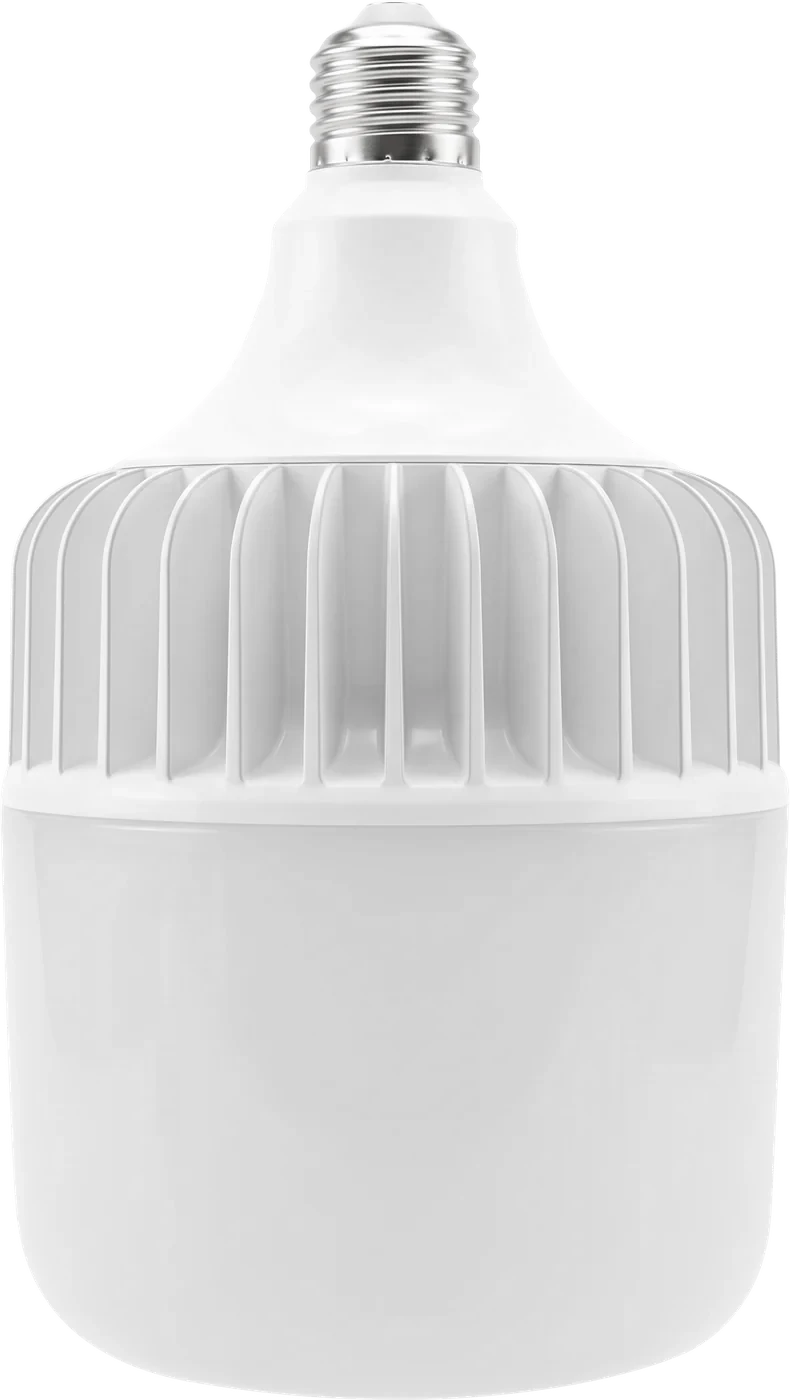
| 5,000 lumen garage bulbZ-TB50 | 5000K · Daylight | Screws into a standard E26 socket · Non-dimmable, for on/off switches · Rated 50,000 hours | Not published |
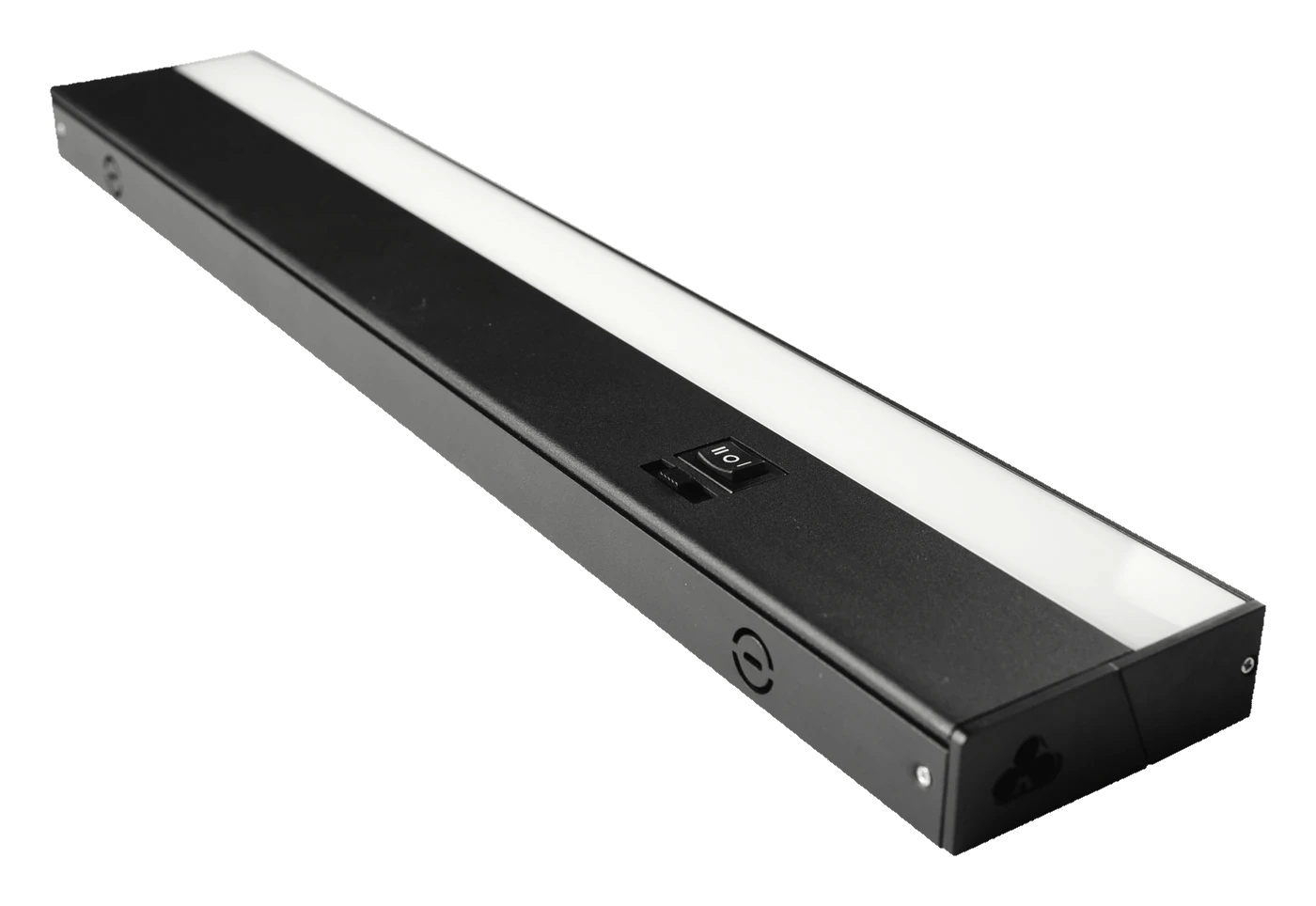
| 18 in. 3-CCT linkable under-cabinet lightZ-UCL-LD-B0418 | 3000K · Soft white | 3000K, 4000K or 5000K · CRI 90 · LED life: 50,000 hours · Hardwired or plug-in · Links end to end | Not published |
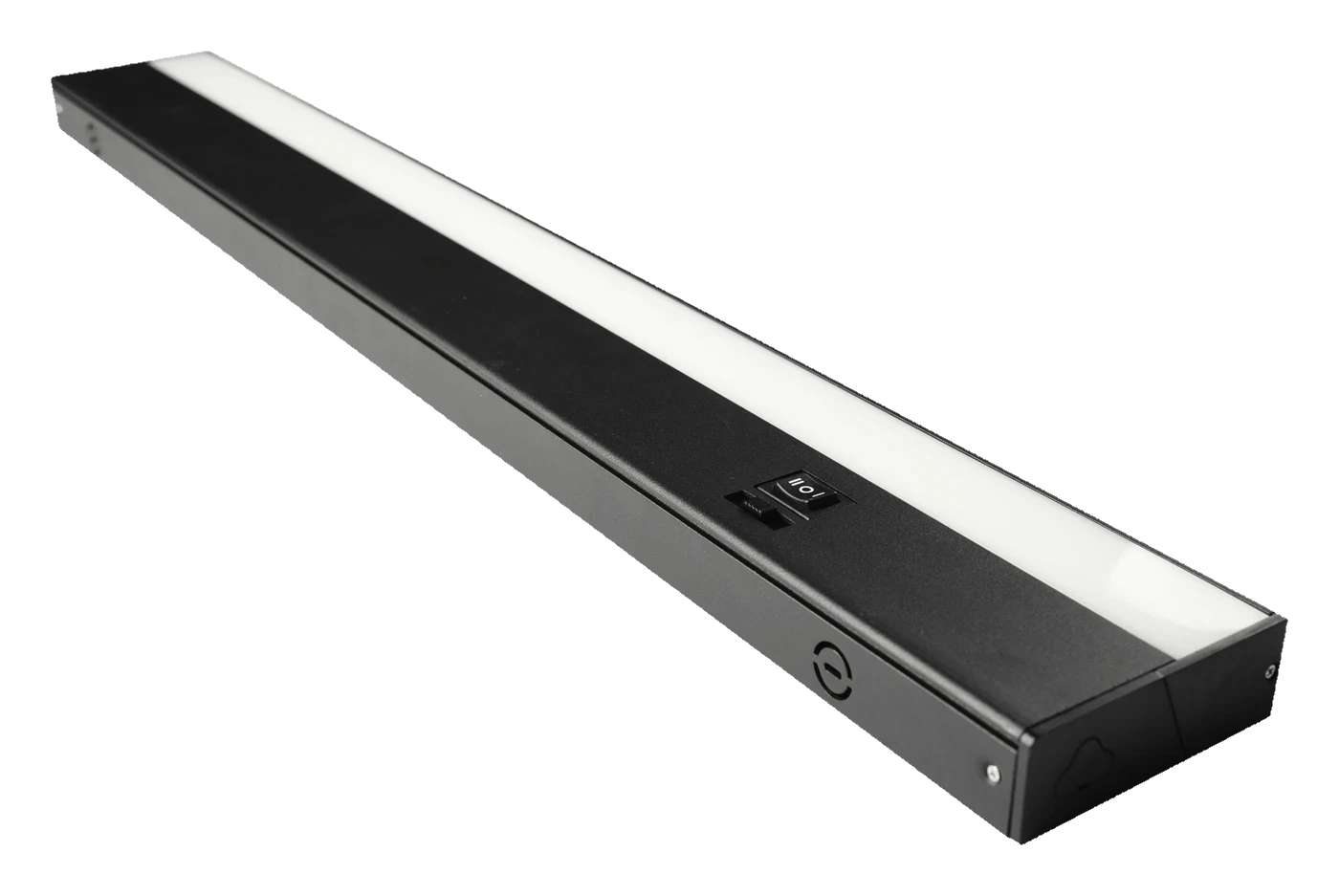
| 24 in. 3-CCT linkable under-cabinet lightZ-UCL-LD-B0424 | 3000K · Soft white | 3000K, 4000K or 5000K · CRI 90 · LED life: 50,000 hours · Hardwired or plug-in · Links end to end | Not published |
These details come from each model’s linked product page. “Not published” means the information is missing. It does not mean the feature is absent or that a use is allowed.
The under-cabinet models let you pick 3000K, 4000K or 5000K; the Kelvin column shows the setting used in the catalogue. Those are choices of how warm or cool the light looks, not CRI scores. Zone hasn’t published a CRI value for these models yet.
Which number matters for your room?
- For how warm or cool the light looks, compare Kelvin and the colour settings.
- For tasks where colour matters, look for a CRI value.
- For how much light you get, compare lumens.
- For how much power it uses, compare watts.
A kitchen or workbench can need all four. You can’t read CRI from a Kelvin number, a product photo or the word “daylight”. If true colour is the main reason you’re buying, find the CRI for that exact model before you choose.
What about coloured or grow lights?
RGB colour effects and grow-light spectrum descriptions are a different thing from CRI, which is measured on white light. For those lights, go by the product’s own spectrum and control details. The related guides cover picking a colour for each room and how RGBW tape works.
Why the same white can show colours differently
An LED makes white light by mixing different wavelengths, and two lights can mix them differently yet look the same when you glance at the bulb. The difference shows up on what the light falls on. A red tomato, a wood stain or a paint chip reflects only part of the light that hits it, so if a light is weak in reds, reds look dull. That’s why two lights with the same Kelvin label can make the same object look different.
CRI sums that up with a fixed set of test colours. It’s useful, but one number can’t describe every colour in your room or what you personally like. When colour matters, look at Kelvin, CRI and lumens together. Improving one of them doesn’t improve the others.
Compare the lighting goals separately
| Goal | Information to compare | Keep separate |
|---|---|---|
| Warmer room appearance | Kelvin and available white settings | Colour rendering |
| Closer colour reproduction | Published rendering measurements | Total light output |
| More light on the counter | Lumens, distribution and position | White-light appearance |
In a kitchen you might want all three: a warm look, food that looks natural and plenty of light on the counter. Treat them as three boxes to tick on the same purchase. A light that ticks one box doesn’t automatically tick the others.
Zone products 03
Recommended Zone lights
5,000 lumen garage bulb
A brighter garage from the socket you already have: screw it in, no wiring, 5,000 lumens.
18 in. 3-CCT linkable under-cabinet light
Puts light on the counter, where the cabinets above throw a shadow.
24 in. 3-CCT linkable under-cabinet light
Puts light on the counter, where the cabinets above throw a shadow.
More buyer details
03 questions
Will matching Kelvin and CRI make two lights look identical?
Usually close, but not guaranteed. Those numbers don’t capture everything about a light, and two fixtures can have different lenses or be mounted differently. If lights will sit side by side, the safest bet is the same model.
Does changing the colour setting change CRI?
It can. CRI is measured at each setting, and the score may differ between 3000K and 5000K. Don’t assume one score covers every setting, or that a cooler setting shows colours better.
Can a photo show a light’s true colour rendering?
No. The camera, its white balance and your screen all change what you see. A photo is fine for getting a feel for a room, but go by the published specs for colour accuracy.
Common questions
04 questions
Does 5000K mean high CRI?
No. 5000K only tells you the light looks cool and daylight-like. It says nothing about how well colours show up. Look for a separate CRI number; “daylight” on the box isn’t one.
What CRI number should I look for?
For general home lighting, 80 or above is the usual baseline for LED lights. For places where colour really matters, like a makeup mirror, an art table or matching paint and fabric, many people look for 90 or higher. Whatever the number, check it on the exact model you’re buying.
Can warm white light show colours well?
Yes. A warm 2700K or 3000K light can have a high CRI. The room will still look warmer than under a cool light, because that’s what the Kelvin number describes. Pick the warmth you like, then check CRI for colour accuracy.
Is higher CRI the same as brighter?
No. A light can show colours well and still be too dim for the job. For brightness, compare lumens and think about where the light sits. Better colour won’t fix a shadow across your work surface.