


Zone · Wire connectors · Lever and push-in wire connectors · PC623
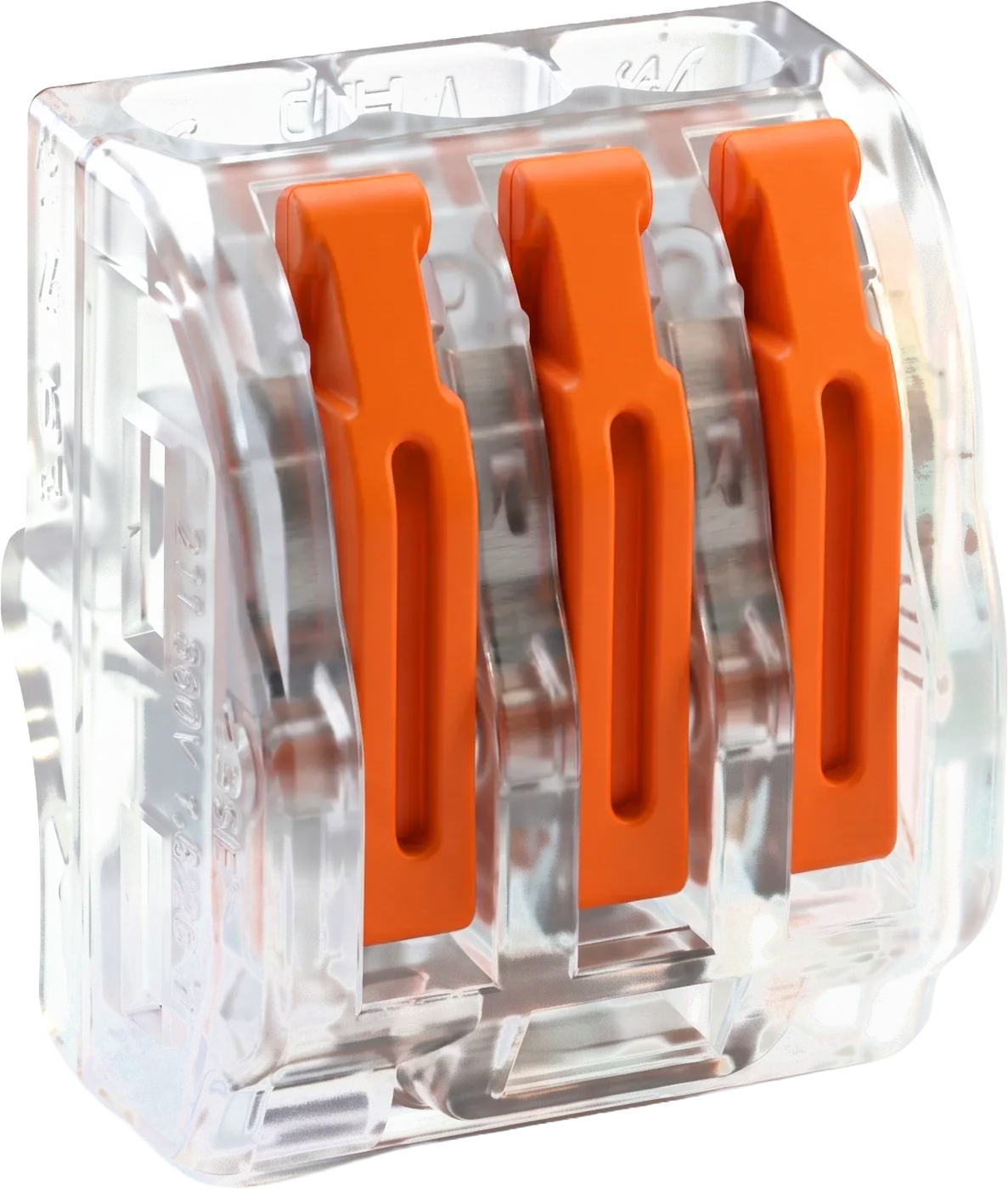
Zone 3-port lever wire connector (PC623) — Three-port lever wire connector.
What wires it takes
| Copper conductor | Printed range |
|---|---|
| Solid or stranded copper | 28–14 AWG |
| Solid copper | 12 AWG |
How to install
- Turn off power.
- Strip about 10 mm (0.39 in) of insulation.
- Lift the lever to 90° and fully insert the stripped wire.
- Push the lever back down to secure the wire.
- Test through the test slot on top of the housing with a voltage tester.
- To remove the conductor, lift the lever to 90° and pull it out.
Good for
- Light-fixture and ceiling-fan swaps
- Outlet and switch work
- Smart-switch installs
- Junction-box splices that mix solid and stranded wire
Questions about the PC623
What wire sizes does the PC623 fit?
The PC623 published wire range is 28–14 AWG solid or stranded; 12 AWG solid.
What standard is the PC623 listed to?
The PC623 listing states UL 486C.
What conductors does the PC623 take?
Solid and stranded copper.
How do you take a wire out of the PC623?
The box says: lift the lever to 90° and pull out the conductor.
Other parts in this family
- 3-port push-in wire connector (PC333) — 22–12 AWG